Google Ads Shopify works best when the Shopify Google Channel app, Google Merchant Center, and purchase tracking are set up correctly. AL Tasweeqi at altasweeqi.org builds and manages that system for Saudi stores so you can measure revenue, fix feed issues, and scale Performance Max with less waste.
Google Ads Shopify works best when the Shopify Google Channel app, Google Merchant Center, and purchase tracking are set up correctly. AL Tasweeqi at altasweeqi.org builds and manages that system for Saudi stores so you can measure revenue, fix feed issues, and scale Performance Max with less waste.
How Do I Set Up Google Ads Shopify?
Google Ads Shopify setup means connecting the Shopify Google Channel app, syncing products to Google Merchant Center, installing purchase tracking with dynamic order values, and launching Performance Max or Search campaigns. AL Tasweeqi does this setup for Saudi stores so revenue, not clicks, becomes the main metric.
What is google ads shopify?
Google Ads Shopify is the process of using Google Ads with Shopify product data so your products can appear in Search and Google Shopping ads. The goal is to track each sale back to the campaign that created it.
A clean setup usually follows a simple chain: Shopify feeds products, Google Merchant Center validates the catalog, Google Ads buys the traffic, and the purchase tag reports revenue. If one link breaks, ROAS becomes unreliable.
- Install the Google Channel app inside Shopify.
- Connect the same Google account to Merchant Center and Google Ads.
- Verify your domain, shipping, and return policy.
- Set purchase tracking with dynamic values.
- Launch Performance Max and Search with separate goals.
Why Is Google Ads Essential for Your Shopify Store?
Google Ads is essential for a Shopify store because it reaches buyers who already show intent, not random browsers. In Saudi Arabia, that matters because many ecommerce purchases start with a search for a product, a price, or a brand name.
Google Shopping ads and Search ads can create fast sales while organic traffic grows in the background. If you are comparing channels, see SEO vs Google Ads for the speed versus compounding trade-off. A store with clear product pages, clean pricing, and stable stock can usually turn Google Ads into a repeatable acquisition channel.
For Saudi merchants, Google Ads also fits the current ecommerce push under Vision 2030. That makes Google Ads useful for launch campaigns, seasonal promotions, and category expansion. AL Tasweeqi often pairs ad setup with landing page fixes so traffic and product pages support the same sale.
What Numbers Matter Before Launch?
Google Merchant Center and Google Ads publish several limits that matter before a Shopify launch. These numbers affect feed quality, reporting speed, and how fast you should expect a new campaign to stabilize.
| Platform fact | Why it matters |
|---|---|
| Google Merchant Center says product titles can use up to 150 characters. | Use the space for brand, product type, variant, and key attribute without stuffing. |
| Google Merchant Center feed processing can take up to 24 hours. | Price fixes, stock changes, and feed edits are not always instant. |
| Google Ads Help says conversion reporting can take up to 24 hours to update. | Do not judge a new Shopify campaign after a few clicks. |
| Google Ads allows up to 100 asset groups in one Performance Max campaign. | Use fewer, cleaner groups so product intent stays organized. |
| Google Ads’ default click-through conversion window is 30 days. | Longer consideration purchases can still count if the user returns later. |
| Performance Max can show across 6 Google surfaces: Search, YouTube, Display, Discover, Gmail, and Maps. | One campaign can cover broad demand if the product feed is clean. |
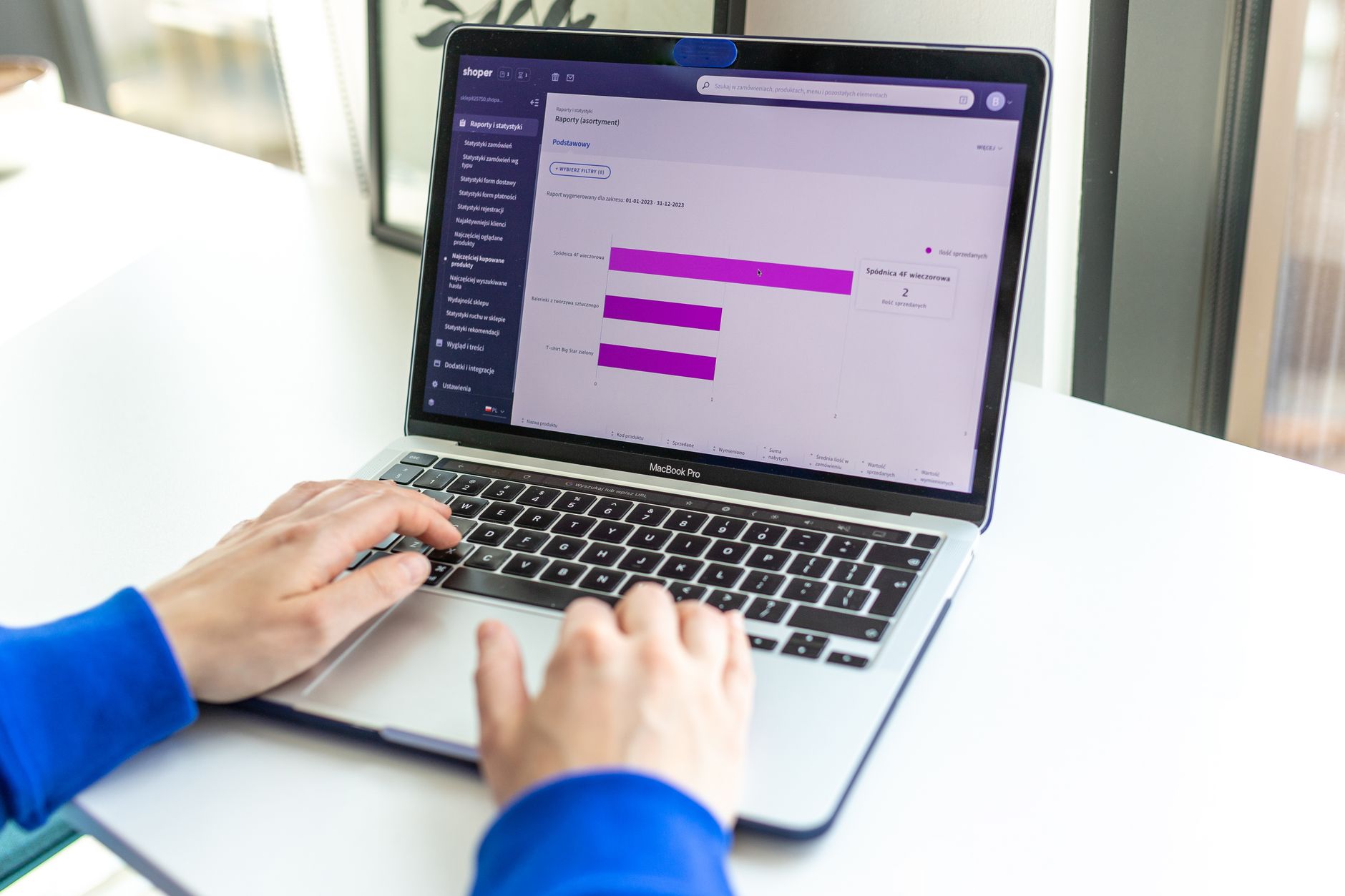
These limits matter because Google Ads Shopify success depends on timing and data quality, not guesswork. If your catalog is messy, your numbers will be messy. If your tagging is clean, ROAS decisions become much easier. AL Tasweeqi checks these details before launch so Saudi stores do not spend their first week repairing preventable setup errors.
How Do I Install the Google Channel App on Shopify?
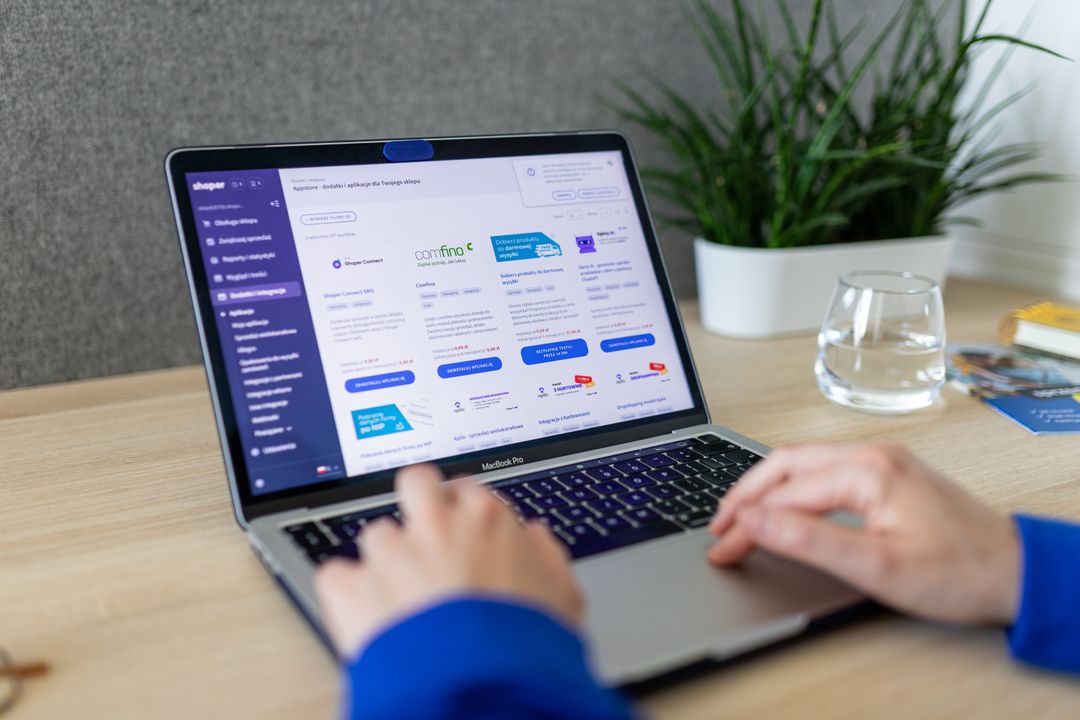
The Google Channel app is the fastest way to connect Shopify inventory to Google Merchant Center and Shopping ads. It keeps the catalog synced, which reduces manual feed work and lowers the chance of product mismatches.
- Open Shopify and install the Google Channel app.
- Sign in with the Google account that will own Merchant Center and Ads.
- Verify your website domain inside Google Merchant Center.
- Choose your target market, currency, shipping settings, and tax rules.
- Sync products from Shopify and confirm the main collection imported correctly.
- Review diagnostics for price, image, availability, and policy issues.
If you sell into Saudi Arabia and nearby Gulf markets, match shipping zones before you publish the feed. A fast app install still fails if the catalog points to the wrong country, price, or currency. For merchants who want a managed setup, What an Ecommerce Marketing Agency Actually Does shows how feed work fits inside a larger growth system.
How Do I Connect Google Merchant Center and Google Ads?
Google Merchant Center holds your product data, and Google Ads spends budget against that catalog. The connection matters because Google Shopping ads cannot scale if the two accounts are not linked and verified correctly.
Start by confirming that the same business owns the website, the Merchant Center account, and the ad account. Then make sure product availability, price, shipping, and return policy all match the Shopify storefront. A mismatch in any of those fields can trigger disapprovals or lower trust signals.
- Verify the domain in Merchant Center.
- Link Merchant Center to Google Ads.
- Confirm sales and shipping countries.
- Check that the feed currency matches the storefront.
- Review product approval status before spending budget.
In Google Ads Shopify management, the cleanest setup is one source of truth for products and one source of truth for spend. That structure gives you fewer errors, cleaner reporting, and faster troubleshooting when a sale does not appear as expected.
How Do I Set Up Conversion Tracking in Shopify?
Conversion tracking in Shopify should record the purchase event with a real order value, not just a page visit. That is the only way Google Ads can optimize for revenue instead of traffic volume.
Use the Google tag or GA4 purchase event, then pass dynamic values such as transaction_id, currency, and order total. Test the flow with a real order or a sandbox checkout if your setup allows it. If the thank-you page fires twice, your revenue data will be inflated.
- Track the purchase event as the primary conversion.
- Pass dynamic revenue values for every order.
- Use one conversion action for sales, not multiple duplicates.
- Check that refunds and canceled orders are not counted as new sales.
- Confirm that Google Ads and Shopify show similar revenue totals over time.
When conversion tracking is set up correctly, Google Ads can bid toward profitable orders, not empty clicks. AL Tasweeqi usually validates the purchase event with a test order before a campaign goes live, because bad tracking creates bad bidding.

Which Google Ads Campaigns Work Best for Shopify?
Performance Max and Search are the best starting points for most Shopify stores because they cover both product discovery and high-intent demand. Smart Shopping has largely been folded into Performance Max, so current setups should focus on clean PMax structure instead of old playbooks.
Performance Max works well for product catalogs, especially when Google Merchant Center data is strong. Search campaigns work well for brand protection, category keywords, and high-intent queries that show clear buying intent. If the store has a strong offer, Search can catch users who already know what they want.
For Saudi and wider Middle East campaigns, split by language, margin tier, and shipping zone. A single mixed asset group can hide winners. AL Tasweeqi uses that structure for Google Ads Shopify accounts so a profitable product line does not get buried under weaker items.
- Use Performance Max for catalog reach and automated shopping placements.
- Use Search for brand defense and top-funnel control.
- Build separate asset groups for top sellers and high-margin products.
- Keep English ad copy aligned with English product titles.
- Separate campaigns by delivery zone when shipping costs change by region.
How Do I Optimize Shopify Google Ads for Maximum ROAS?
ROAS improves when the product feed, landing page, and bidding signals all point to the same sale. In Google Ads Shopify accounts, feed quality and conversion value usually matter more than adding more budget.
Start with product data. Titles should describe the product clearly, images should be sharp, pricing should match the storefront, and availability should stay current. For stores that need cleaner product pages, Ecommerce SEO services can help align titles, descriptions, and page structure with ad intent.
- Put the main keyword and variant in the first part of the product title.
- Add GTIN, brand, color, size, and other required attributes.
- Use high-quality images with clean backgrounds and no clutter.
- Match price, stock, and shipping details across Shopify and Merchant Center.
- Group products by margin so budget does not overfund weak items.
- Review search terms and exclude queries that waste spend.
- Wait for stable conversion volume before setting an aggressive target ROAS.
Google Ads Shopify optimization also means watching the landing page. If the product page is slow, vague, or weak on trust, the ad will pay for bad behavior on the site. AL Tasweeqi improves both the feed and the page, because the best Google Ads results come from the whole path, not one step.
What Causes Merchant Center Suspensions?
Merchant Center suspensions usually come from trust issues, product mismatch, or policy errors, and most of them are fixable. The fastest way to recover is to find the exact reason, correct the feed or website problem, and request review only after the issue is truly resolved.
- Price mismatch between Shopify and Merchant Center.
- Missing shipping, tax, or return policy pages.
- Broken checkout pages or inconsistent availability.
- Policy-violating claims in product copy or images.
- Unverified domain ownership or business details.
- Feed errors that send the wrong currency or country.
The practical fix is simple: clean the catalog, confirm the storefront trust pages, and make sure the live site matches the feed line by line. If a suspension keeps returning, the account needs a deeper audit before more budget is spent.
DIY or Hiring a Digital Marketing Agency?
DIY works for a small Shopify catalog, but scaling Google Ads Shopify accounts usually needs tracking QA, feed management, and weekly ROAS analysis. For merchants searching for the best Google Ads agency KSA, the right partner should own setup, reporting, and recovery, not just ad spend.
| DIY approach | Agency approach |
|---|---|
| Good for testing one catalog or one product line. | Better for multi-category stores and faster scaling. |
| You handle Merchant Center, tags, and feed fixes yourself. | The team handles setup, troubleshooting, and feed health. |
| Learning takes time and errors can waste budget. | Processes are faster because specialists see repeat issues every week. |
| Reporting may focus on clicks and impressions. | Reporting should focus on revenue, ROAS, and profit signals. |
| Good when budget is tight and time is available. | Better when spend is rising and every mistake is expensive. |
If you need a digital marketing agency in Saudi Arabia that can move from setup to scale, performance-based digital marketing is the right model to compare first. How to Hire a Digital Marketing Agency and How to Evaluate and Compare Marketing Agencies can help you shortlist a partner with the right process. AL Tasweeqi is built for that handoff, because the team can take a store from first setup to profitable scale without restarting the account.
FAQ
How do I link Google Ads to Shopify?
Install the Google Channel app in Shopify, connect the same Google account to Merchant Center and Google Ads, then verify the domain and product feed. AL Tasweeqi usually checks the account link after setup so the catalog, tracking, and spend all point to the same source.
Are Google Ads effective for Shopify stores?
Yes, Google Ads can be effective for Shopify stores because the platform captures buyers with active intent. Shopping ads work well when the feed is accurate, the checkout is smooth, and the product pages answer the user fast.
How much should a beginner spend on Google Ads?
A beginner should start with a small test budget that can collect enough clicks to judge intent, then scale only after conversion data is stable. The exact number depends on product price, margin, and competition, so budget should follow the store math, not a random rule.
How do I set up conversion tracking in Shopify?
Add the Google tag or GA4 purchase event, pass dynamic order value, currency, and transaction_id, then test a real checkout. AL Tasweeqi often runs a test order and compares Shopify revenue with Google Ads reports before any scaling begins.
What is the best campaign type for Shopify?
Performance Max is usually the best starting point for product catalog reach, while Search is best for brand defense and high-intent keywords. A strong Shopify account often uses both so discovery and direct demand work together.
Why is my Merchant Center suspended?
Merchant Center suspensions are often caused by price mismatches, missing policy pages, broken checkout flows, or unverified business details. Fix the exact issue, confirm the live site matches the feed, and request review only after the problem is fully corrected.
AL Tasweeqi is Saudi Arabia’s performance-based digital marketing agency offering Google Ads, Snapchat Ads, TikTok Ads, SEO, web design, and YouTube Ads with a zero-upfront, performance-based model. Contact: +966 57 38 12 426.
For Shopify Google Ads setup, tracking, Merchant Center recovery, and ROAS support, message WhatsApp +966 57 38 12 426 today.
Ready to grow your business?
Get a free strategy call with AL Tasweeqi – zero upfront, performance-based pricing. Or jump straight to our Google Ads Service in Saudi Arabia page.